 PST Rescue
Open your old Outlook .pst files without Outlook.
Years of mail in a .pst or .ost file? Read it, search it and save it on your own PC. No Outlook, no Microsoft 365, no account, and nothing is uploaded.
Demo video coming soon.
Your mail is in a file Outlook won't open any more
"I have many folders with saved emails going back years, and I do NOT want them on OneDrive. I want them on my computer!"
An Office Home 2024 user, Microsoft Q&A
"I like the new interface, I'm not willing to leave my pst behind."
A new Outlook user, Microsoft Q&A
New Outlook only partly supports .pst files, and Microsoft plans to move classic Outlook users to new Outlook from March 2027. Most "free" PST viewers stop after 10 to 25 messages per folder, then ask for a yearly fee.
Open it, find it, take it with you.
Open any .pst or .ost
Drop the file on the window. ANSI and Unicode .pst files open, and so do Outlook 2013 and later .ost files. Password-protected .pst files open too.
You get the folder tree, the message list and the full message with its formatting, the way Outlook showed it. All free, with no per-folder cap.
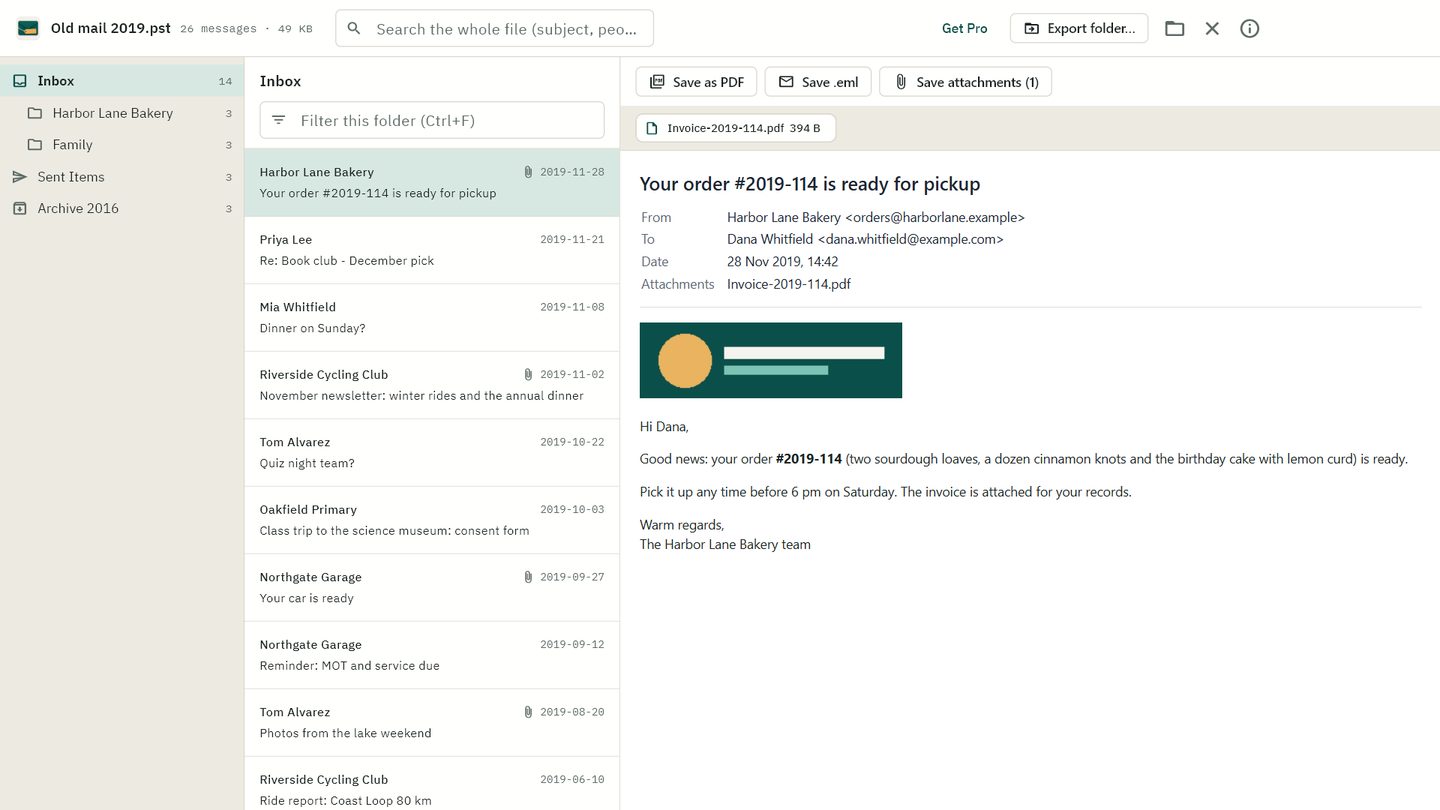
Search the whole file
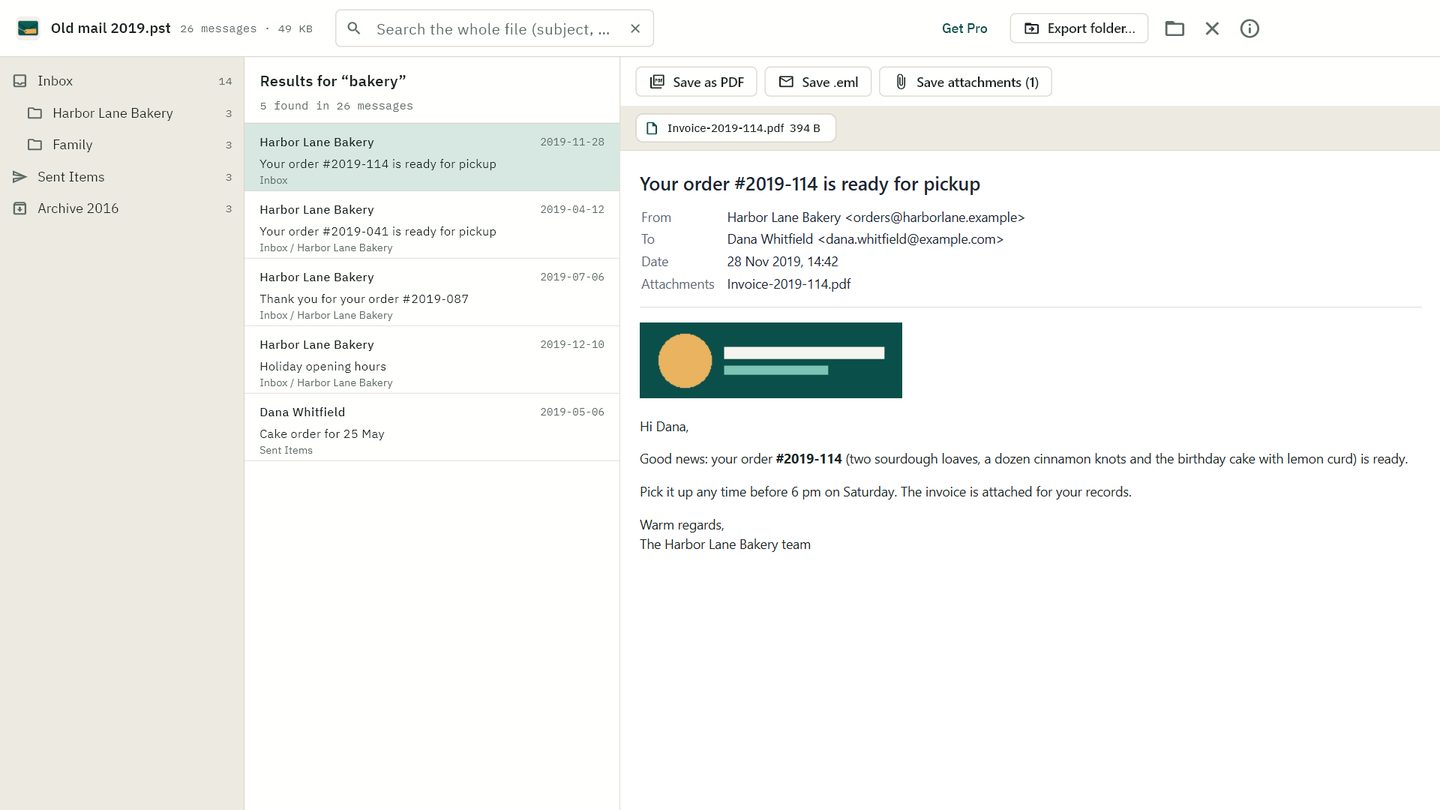
Type a name, a word from the subject or a phrase from the body. Results come from every folder at once, with the folder each message lives in.
Open or save any attachment, or save the message itself as PDF or .eml. Saving one message at a time is always free.
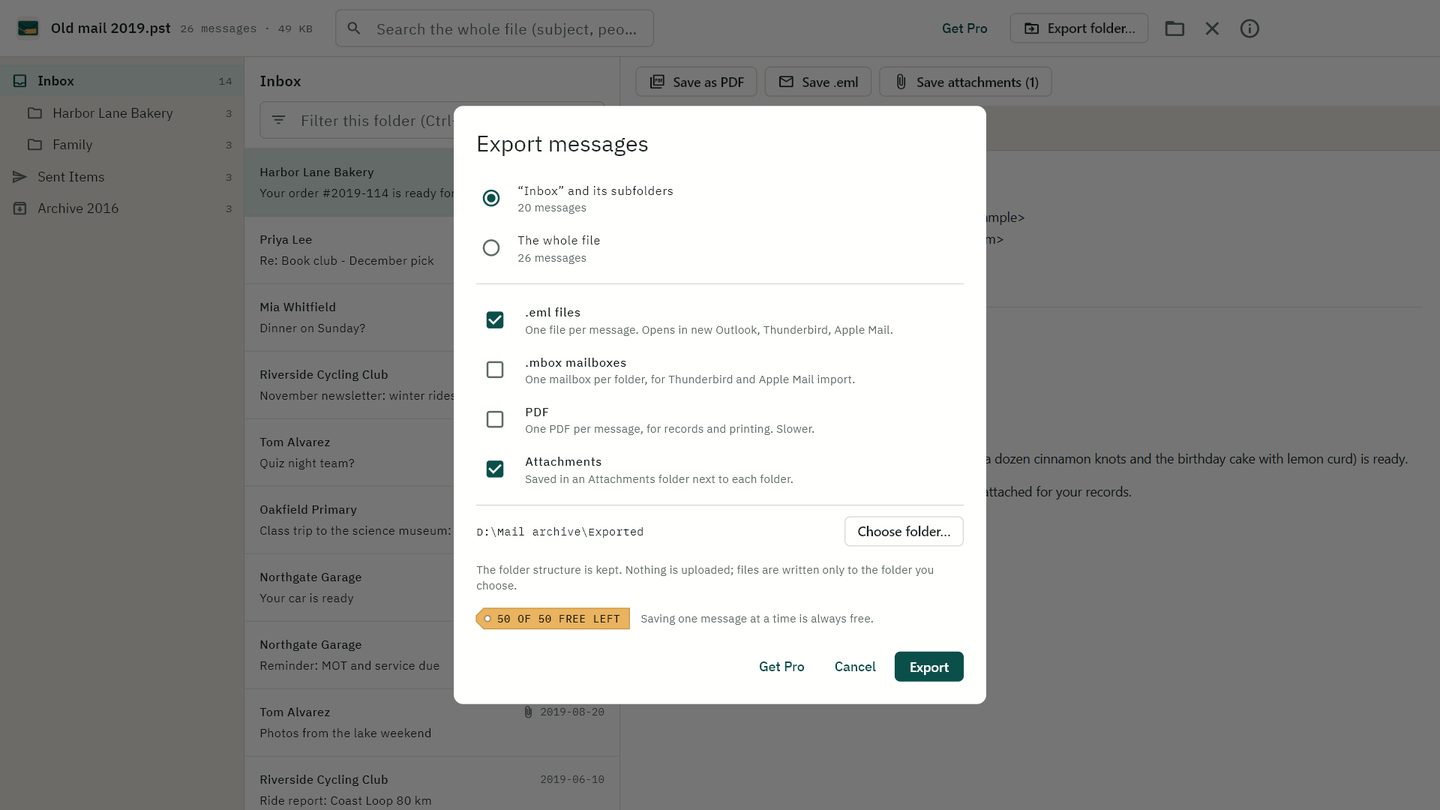
Export the whole archive
Pick a folder or the whole file and choose .eml files (new Outlook, Thunderbird, Apple Mail), .mbox mailboxes (one per folder, for Thunderbird and Apple Mail), PDFs for records, and attachment folders. Your folder structure is kept.
Your first 50 exported messages are free, with no watermark, so you can check the result before you pay.
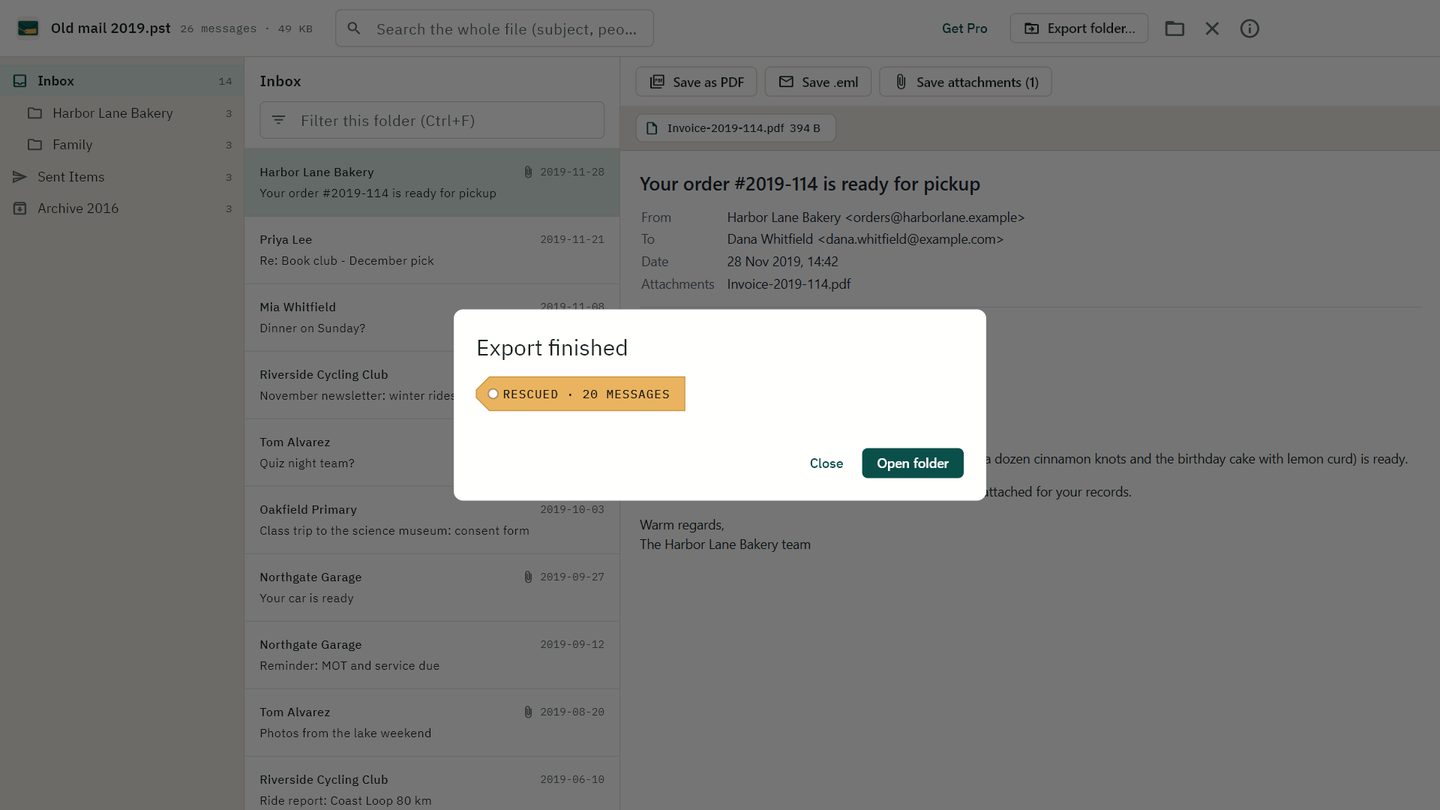
Rescued
The files land in the folder you chose, laid out like your Outlook folders. Your .pst file is only read, never changed.
Your mail never leaves your PC
Nothing is uploaded
PST Rescue reads your file on your computer. Online converters want your mail on their server first.
No Outlook, no account
It reads the .pst format itself. There's no Microsoft 365 subscription, no sign-in and nothing else to install.
Trackers blocked
The reading pane doesn't load remote images, so old newsletters can't tell anyone you opened them.
Read for free. Pay once to export it all.
Free
- Open, browse, read and search
- Open and save attachments
- Save any message as PDF or .eml
- First 50 messages of bulk export
Home
Unlimited bulk export to .eml, .mbox, PDF and attachment folders, on 2 PCs.
Buy HomeOffice
Everything in Home on 10 PCs. For an office clearing out old mailboxes.
Buy OfficeNo subscription. Your licence key arrives by email; enter it in PST Rescue. New computer? "Free this seat" moves your licence. Payments are handled by Lemon Squeezy.
Questions
Do I need Outlook or Microsoft 365?
No. PST Rescue reads .pst and .ost files itself. No Outlook, no Office, no Microsoft account.
Is my mail uploaded anywhere?
No. Everything happens on your PC. The only internet use is the licence check, which sends your licence key and your computer's name to Lemon Squeezy, and the checkout page if you buy.
My .pst has a password. Will it open?
Yes. Outlook's .pst password doesn't encrypt the mail inside, so PST Rescue can read the file without it.
Can it repair a corrupt .pst?
No. PST Rescue reads healthy .pst and .ost files, including very old ones. It doesn't repair damaged files. Try it free first: if your file opens, you can see every message before you pay.
Which files work?
ANSI .pst files from older Outlook versions, Unicode .pst files from Outlook 2003 and later, and .ost files from Outlook 2013 and later.
How do I move my mail to Thunderbird or Apple Mail?
Export to .mbox: you get one mailbox per folder, which both can import. See PST to MBOX for Thunderbird.
Does it work on a Mac?
Not yet. PST Rescue is for Windows 10 and 11.
Get your old mail out before the next Outlook change.
Free to read and search, with no time limit. You see real exports before you pay.
Get it from Microsoft